
API
API keys let your own tools query Alma’s knowledge base. Each key reads only what you scope it to.
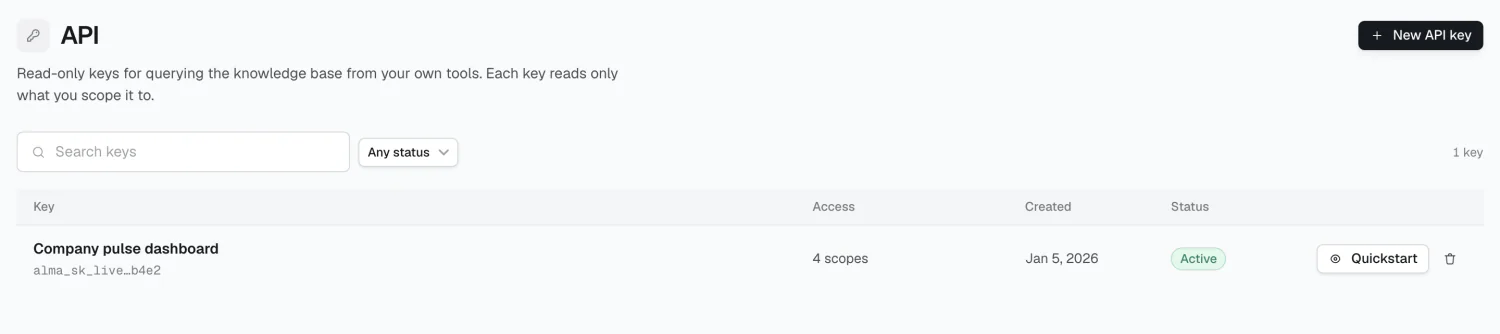
Creating a key
Section titled “Creating a key”Click New API key.
Key name — for your own reference. A blank name becomes Untitled key.
Reads as — either Read as implementor (no filter — everything the organization knows), or bound to one or more people and groups. Binding filters everything the key reads to the union of what those subjects could see — useful when a key powers something a subset of people uses.
Scopes — at least one is required:
| Scope | Grants |
|---|---|
| Knowledge & search | Search the knowledge base |
| Memory | Read memories |
| People | Read the directory |
| Groups | Read groups |
| Outcomes | Read outcomes |
Knowledge and Memory are on by default.
Store the secret immediately
Section titled “Store the secret immediately”The key is shown once, at creation:
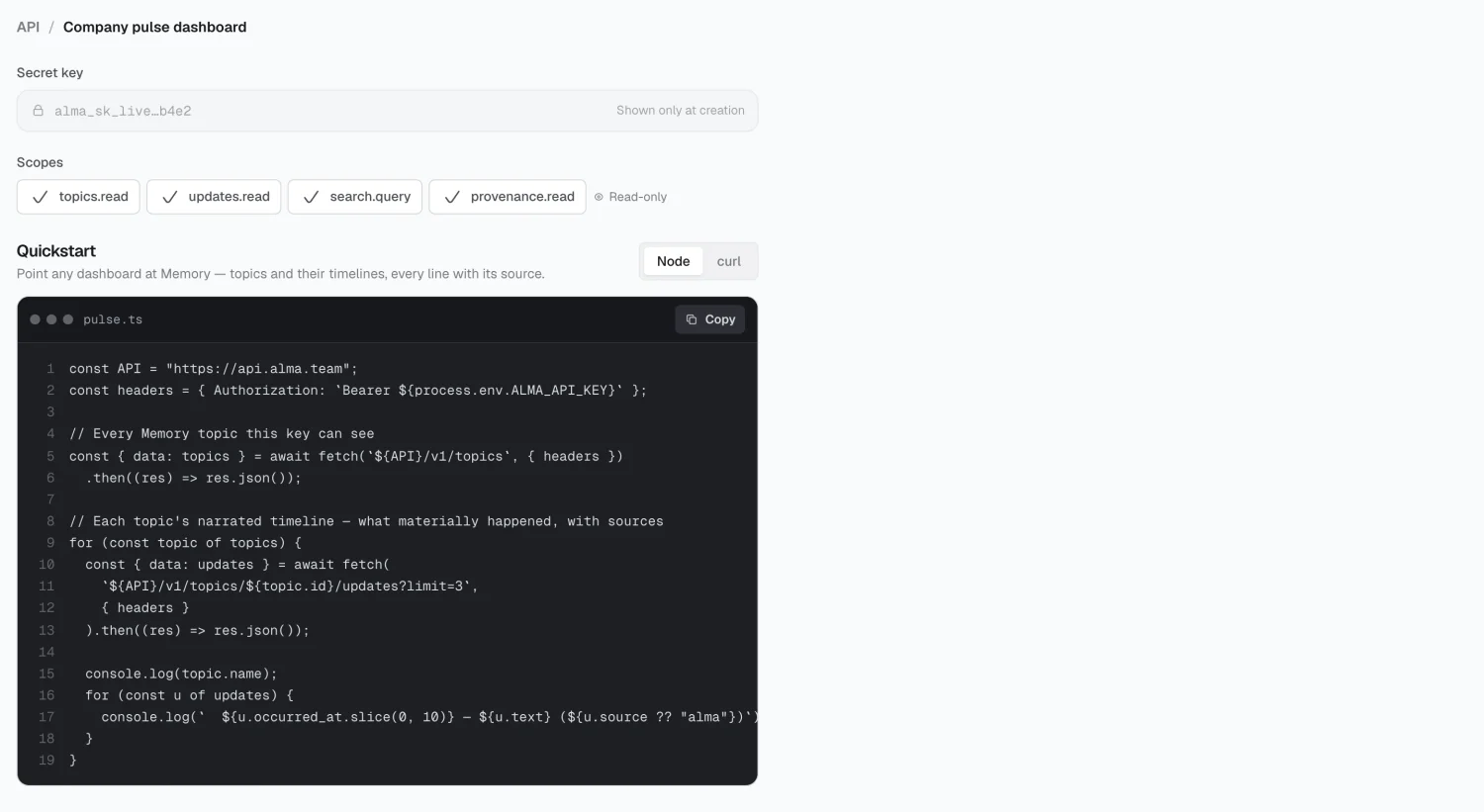
Later views show only alma_sk_live…b4e2 — enough to identify the key, not
enough to use it. If you lose a secret, revoke the key and create a new one.
Using a key
Section titled “Using a key”curl https://api.alma.team/v1/topics \ -H "Authorization: Bearer $ALMA_API_KEY"const res = await fetch("https://api.alma.team/v1/topics", { headers: { Authorization: `Bearer ${process.env.ALMA_API_KEY}` },});const topics = await res.json();Common endpoints:
/v1/topics— topics in Memory/v1/topics/{id}/updates— a topic’s narrative/v1/topics/{id}/summary— a topic, summarized
Full reference: API → Docs in the Console, rendered from the OpenAPI spec.
Revoking a key
Section titled “Revoking a key”Click the trash icon to revoke.
Limits
Section titled “Limits”2026 Alma