
Skills
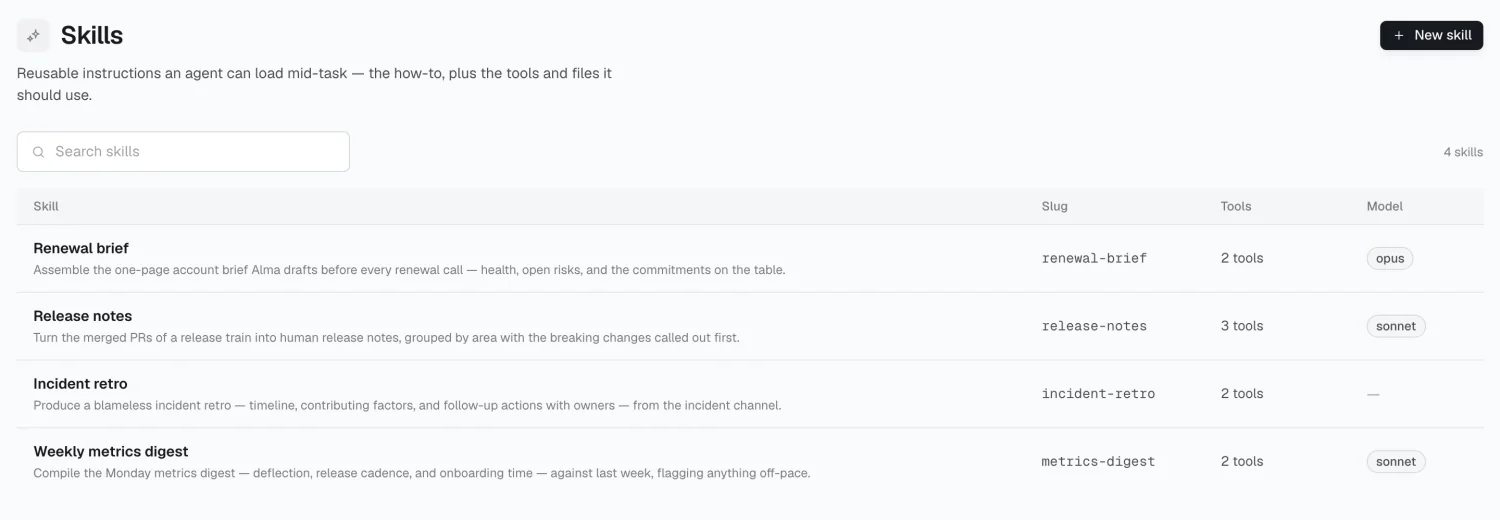
A skill is a reusable set of instructions — how your company writes a renewal brief, what belongs in an incident retro. Workflows load a skill when relevant, instead of copying the same instructions into every workflow that needs them.
How a skill loads
Section titled “How a skill loads”Skills load in stages:
- Metadata — name and description, always loaded (~100 tokens)
- Instructions — the body, loaded when the skill is triggered
- Resources — extra files (templates, examples), loaded if needed
The description is the only part Alma sees when deciding whether to use a skill. “Renewal brief” is a weak description. “How to write the pre-call brief for an account renewal — structure, tone, and what to check” gives Alma something to match against a task.
Creating a skill
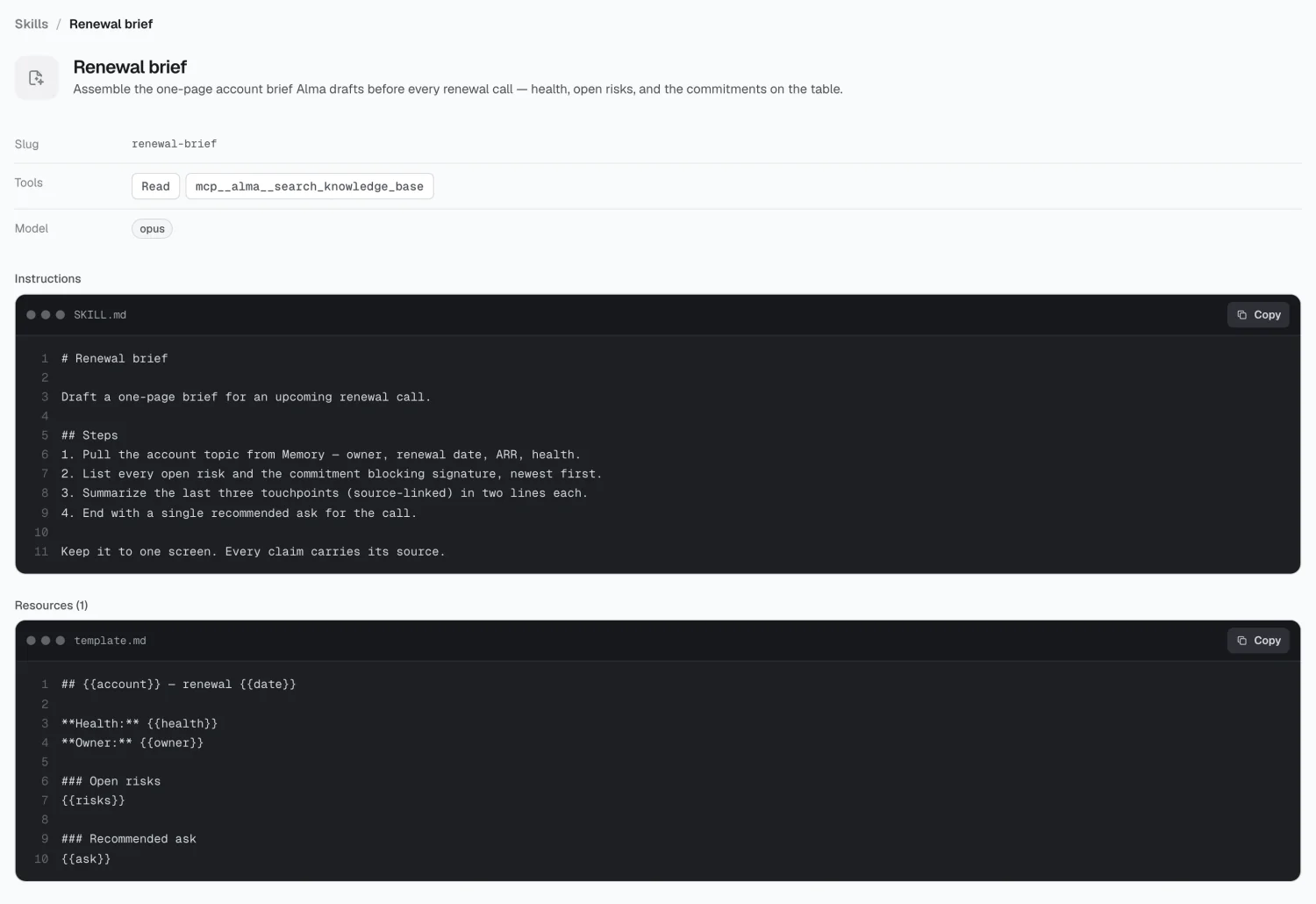
Section titled “Creating a skill”Click New skill and fill in:
| Field | Notes |
|---|---|
| Name | The slug derives from it — lowercase, hyphenated |
| Description | Max 500 characters. This is what triggers the skill. |
| Instructions | The body — the actual how-to |
Write instructions the way you’d brief a new colleague: what good looks like, what to check, what to avoid.
What the Console can’t set yet
Section titled “What the Console can’t set yet”Where skills get used
Section titled “Where skills get used”A workflow step loads a skill when the task calls for it. There’s no explicit wiring — the description is the matching surface, which is why it’s worth writing carefully.
2026 Alma