
Security
The one setting that works
Section titled “The one setting that works”Default tool mode for new workflows — Automatic or Needs approval, shipping as Needs approval. This is the starting posture for every workflow drafted from here on. Per-tool settings on each workflow’s Access tab tune it further.
Rows that link elsewhere
Section titled “Rows that link elsewhere”Never used for training
Section titled “Never used for training”Static and always on: nothing from this workspace trains Alma’s models or anyone else’s, on every plan.
Available in Enterprise
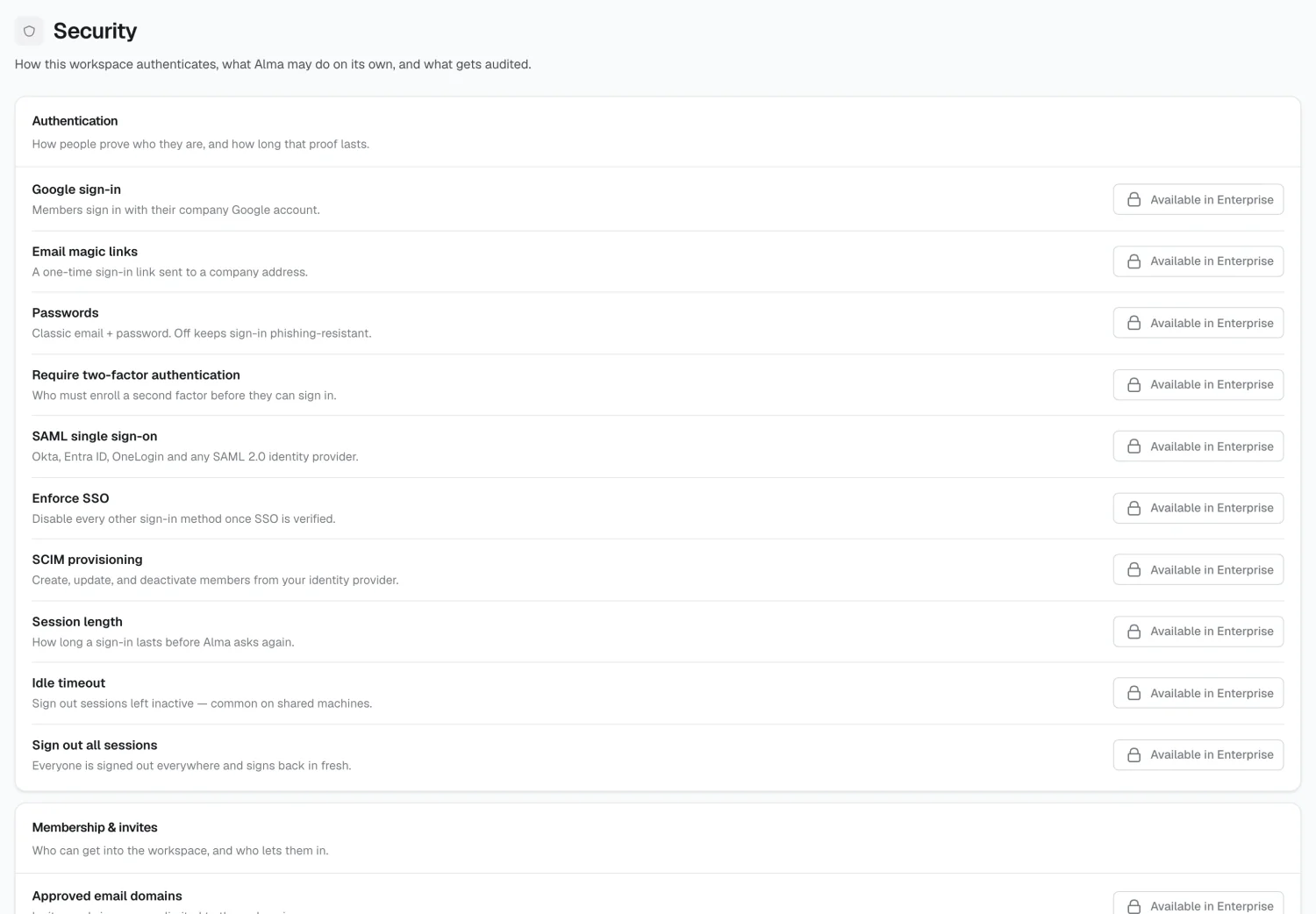
Section titled “Available in Enterprise”The remaining rows are grouped by concern — Authentication, Membership & invites, Data protection, AI guardrails, Developers & network, and Audit & compliance — and link to Billing. They cover SSO and SAML, SCIM provisioning, session length, allowed email domains, data residency and retention, model defaults, IP allowlisting, and SOC 2 evidence.
Where security actually gets configured
Section titled “Where security actually gets configured”| Concern | Where |
|---|---|
| What Alma may do in a tool, and who | Connections → Tools & access |
| Who approves what, per workflow | Workflows → Access |
| Who can see a topic | Memory → Topics |
| Who holds admin | Members |
| What external callers can read | API |
2026 Alma