
Activity
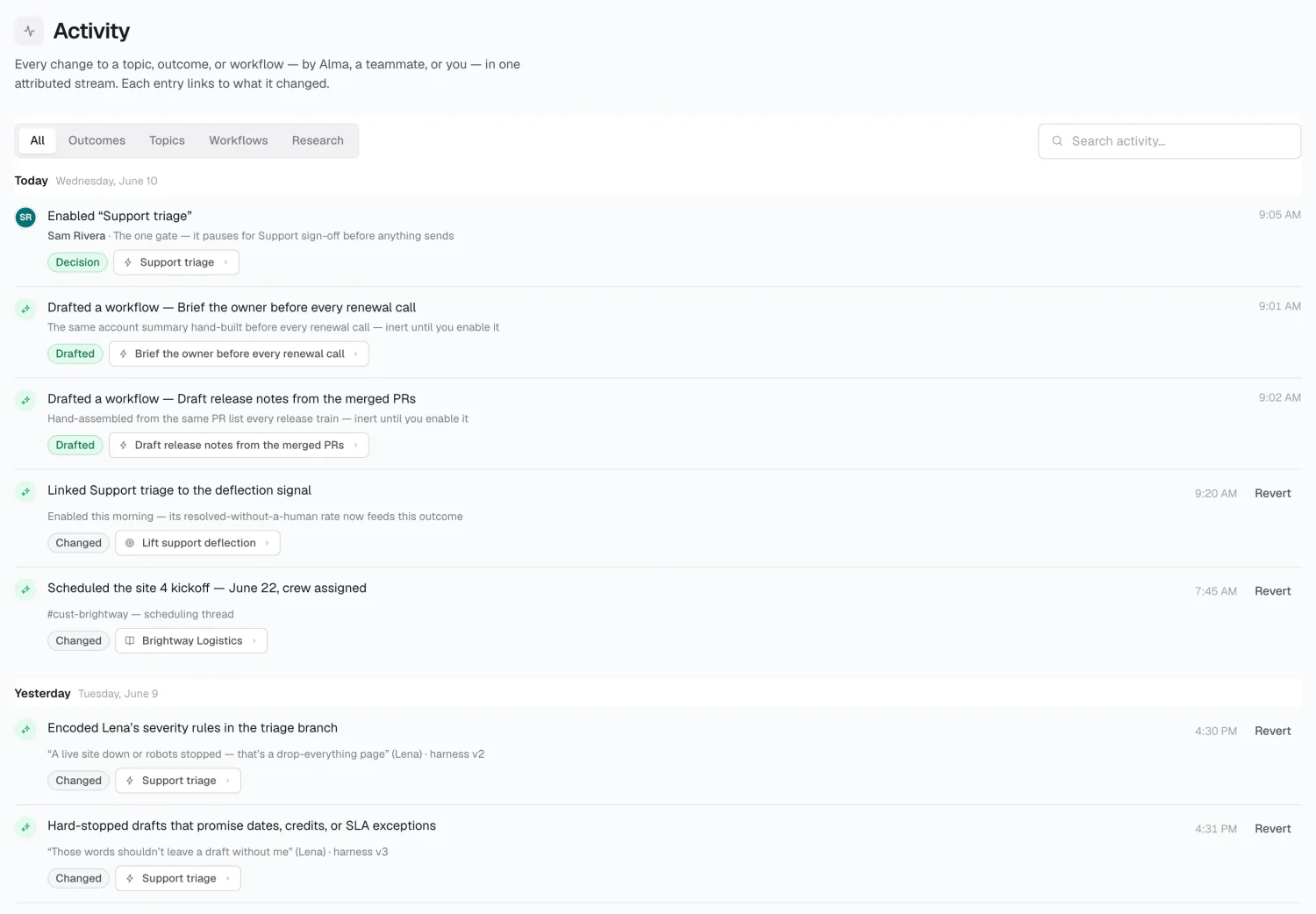
Activity records changes Alma makes on its own — a research proposal, a synthesized topic, a paused workflow — so you can see them without hunting for them.
What’s in it
Section titled “What’s in it”Changes to topics, outcomes, and workflows, for example:
- Created outcome “Cut onboarding to two weeks”
- Suggested topic “Northwind Renewal”
- Paused workflow “Pipeline hygiene sweep”
Each entry carries a badge — Added, Changed, Removed, or Decision — and links to the thing itself.
Finding things
Section titled “Finding things”Filter by All / Outcomes / Topics / Workflows, search, or scan entries grouped by day. Skimming this on a schedule is the fastest way to see what Alma did while you weren’t looking.
Limits
Section titled “Limits”Treat Activity as a change feed, not an audit log — it reliably says what changed and when, but not who.
Related
Section titled “Related”2026 Alma