
Topics
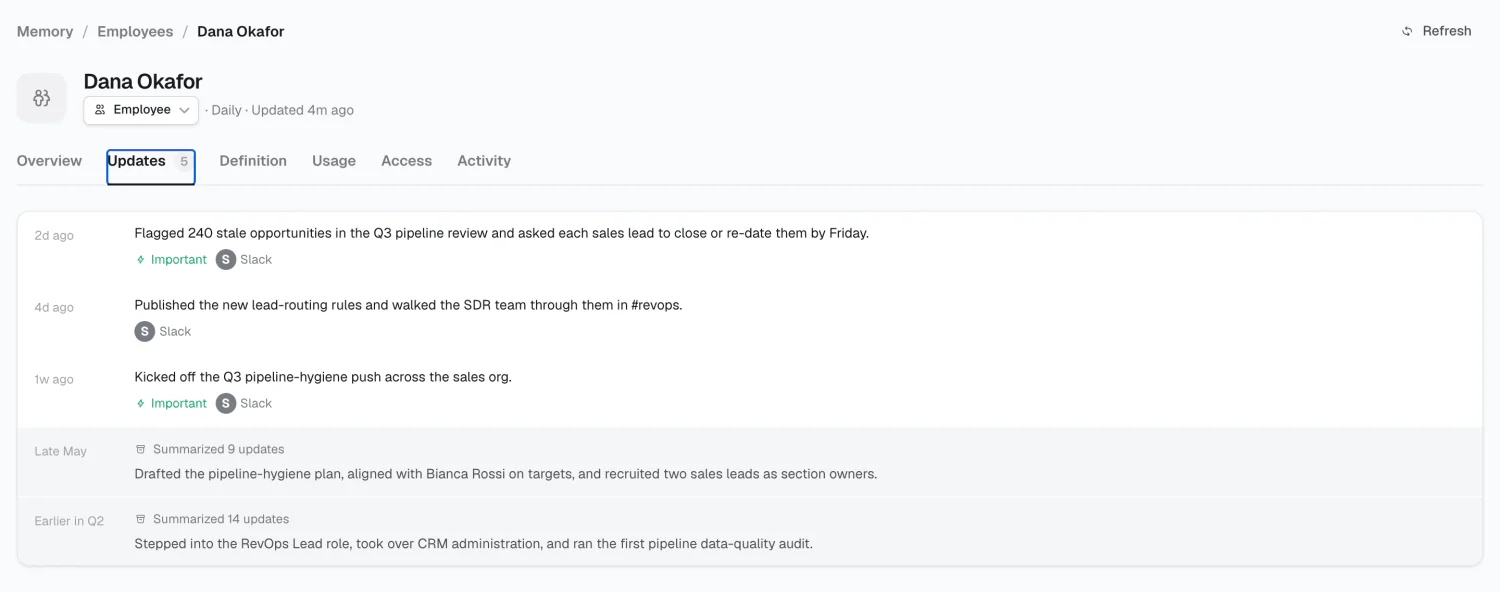
A topic has six tabs: Overview, Definition, Updates, Usage, Access, and Activity.
Overview
Section titled “Overview”The topic’s structured facts, each with its source. This is what workflows and chat read for specific answers.
Facts are typed by the topic’s type. An empty field means either no source has mentioned it, or Alma wasn’t confident enough to write it.
Definition
Section titled “Definition”The topic’s governance settings:
- Type — which schema type it follows
- Sources — which connected sources feed it
- Refresh — automatic synthesis, or manual only
- New facts — Auto-apply writes confident facts live; Ask first holds them as proposals for someone to accept
- Compaction — how the narrative is condensed as it grows
Sources are picked from your real connections, not typed as free text.
Updates
Section titled “Updates”The topic’s narrative, newest first. Where Overview answers “what’s the renewal date,” Updates answers “what’s been going on with this account.”
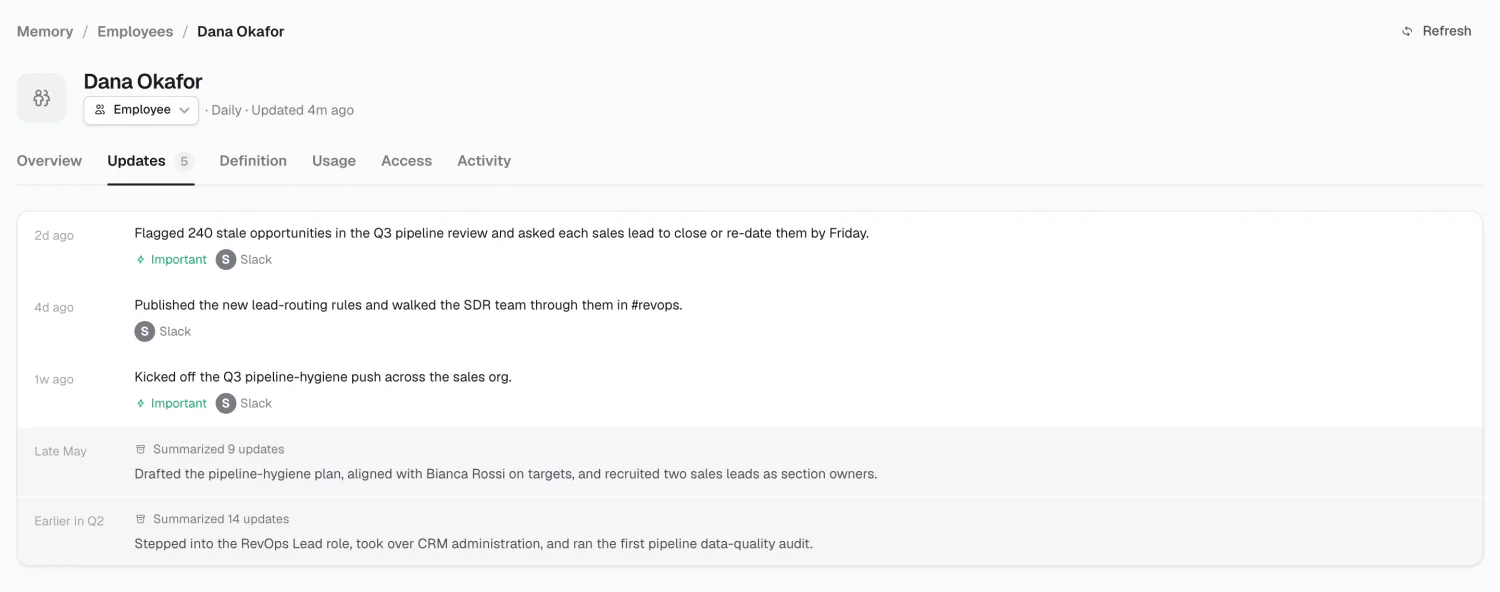
Each entry is attributed to its source.
Where this topic is read — which workflows, chats, and spaces draw on it. Check this before archiving a topic that looks dormant.
Access
Section titled “Access”Topics use the same model as everything else in Alma: a baseline plus rules.
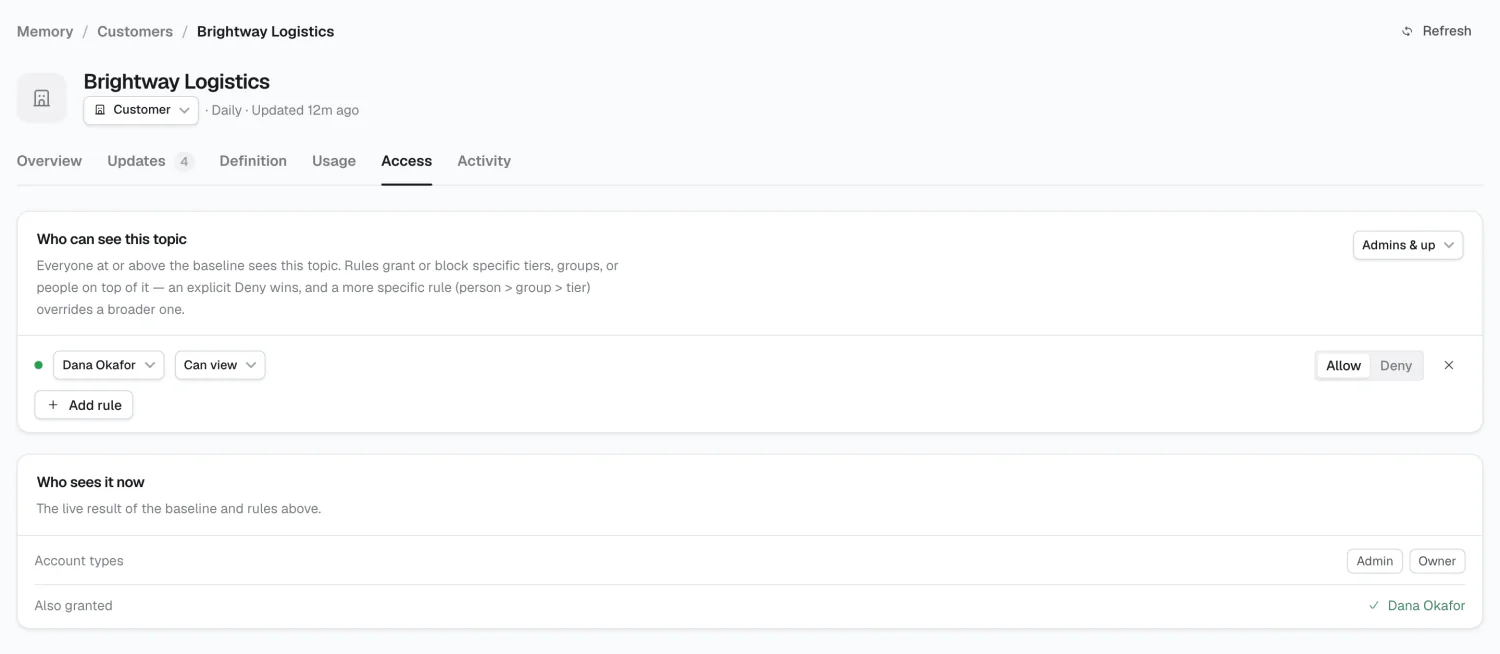
Baseline is the floor: Everyone, Admins & up, or Owners only.
Rules grant or block specific groups or people, with a capability:
| Capability | Means |
|---|---|
| Can view | Read the topic |
| Can edit | Change its facts and definition |
| Full access | Edit, plus manage access |
Resolution follows the same rule as elsewhere: an explicit Deny wins, and a more specific rule (person > group > baseline) overrides a broader one.
Reserve topic-level access for sensitive cases — compensation, an acquisition, anything legal. A workflow that can’t read a topic can’t ground its work in it.
Activity
Section titled “Activity”Creating and archiving
Section titled “Creating and archiving”Create a topic manually from the Memory list, or let a research campaign propose one. Proposed topics arrive as suggested and wait for you to accept them.
Archiving hides a topic without deleting it. Check Usage first.
2026 Alma